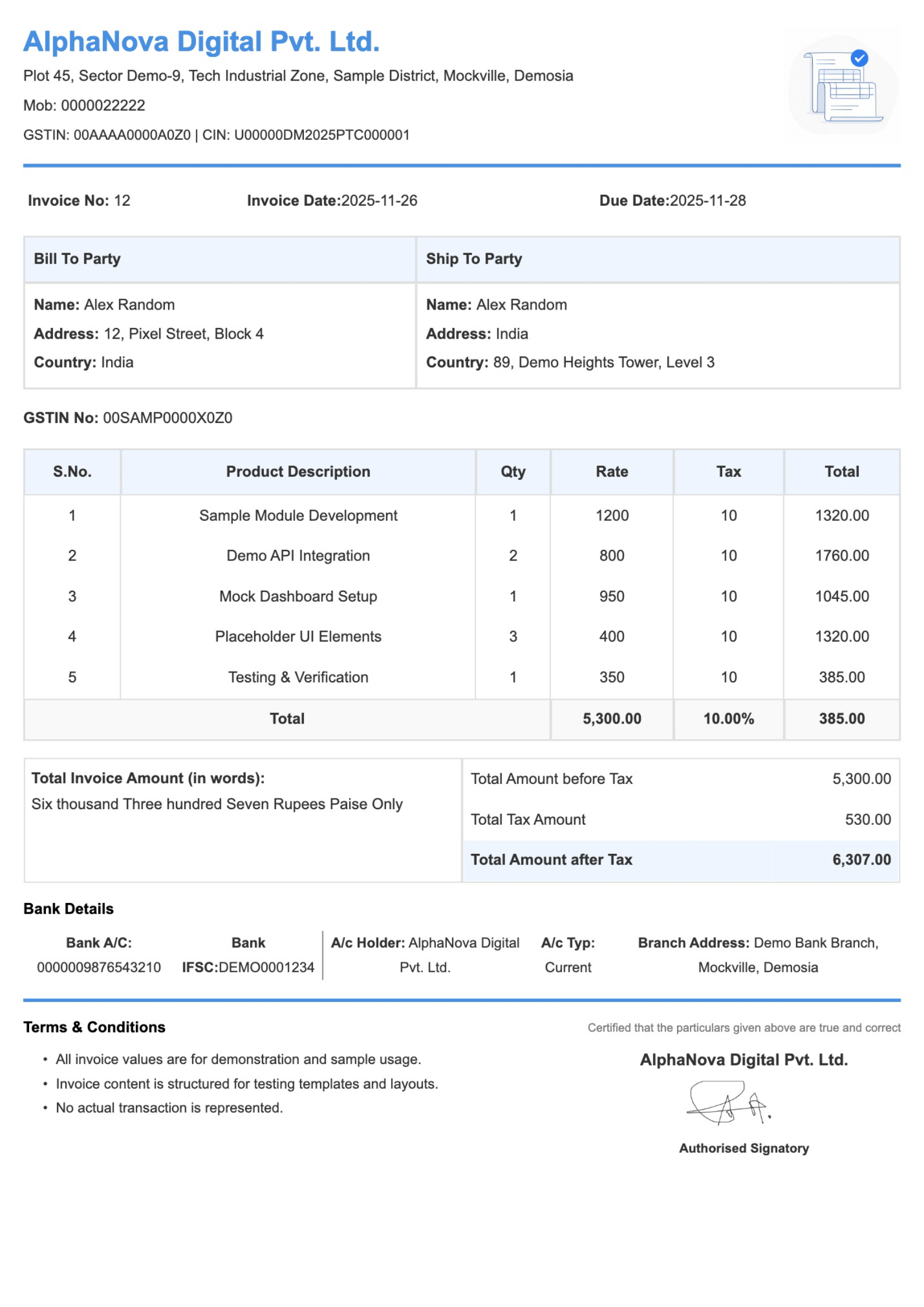
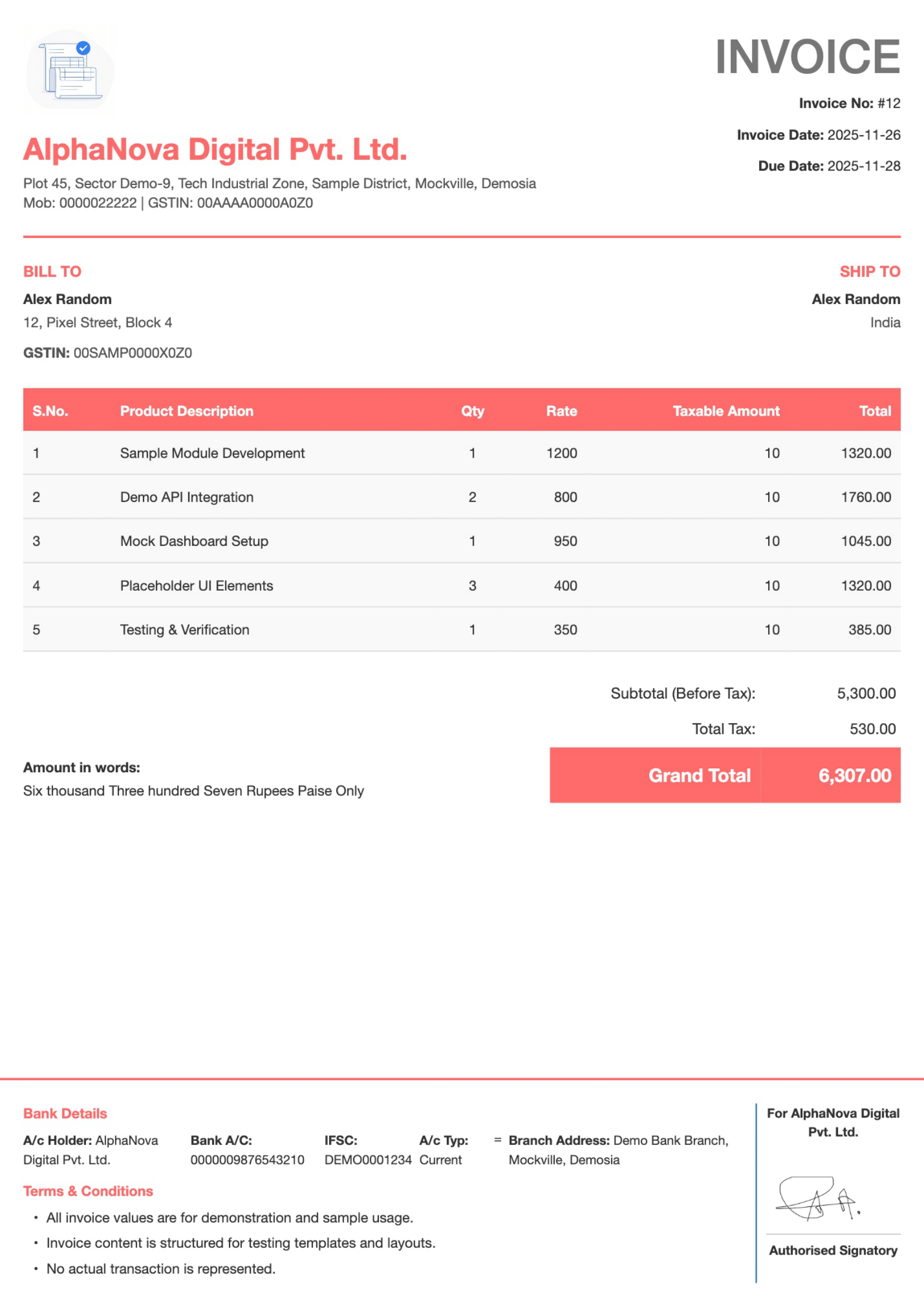
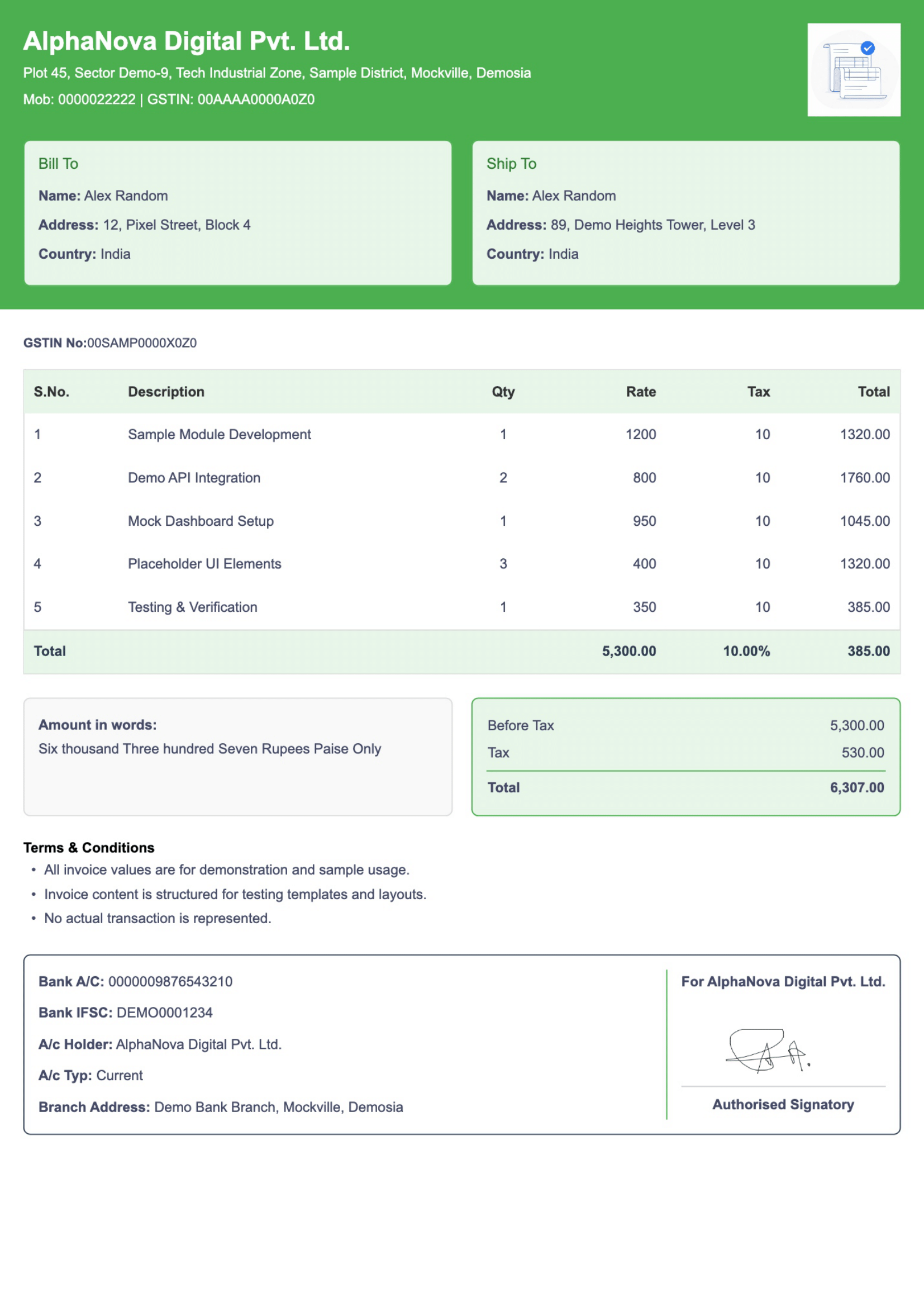
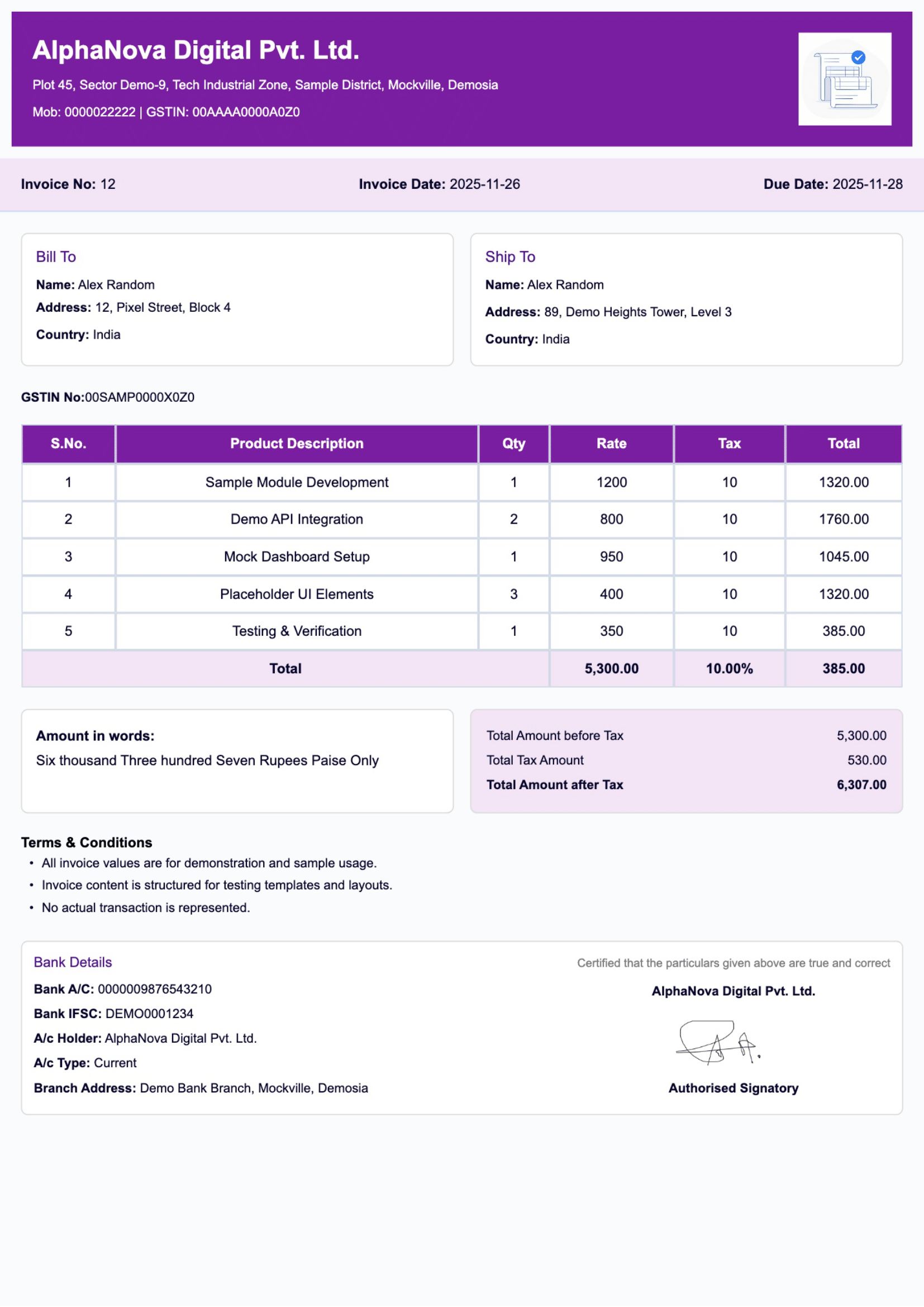
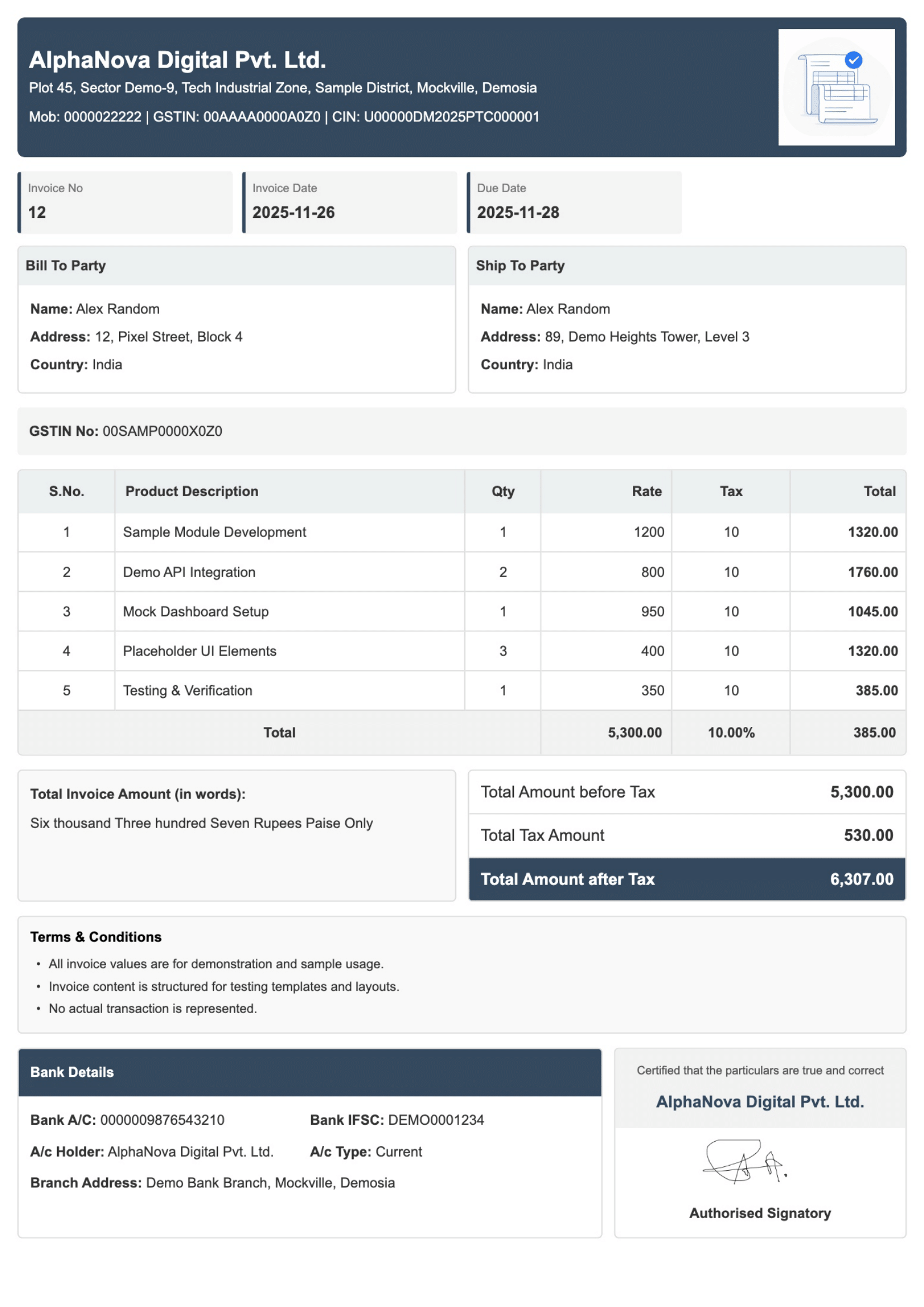
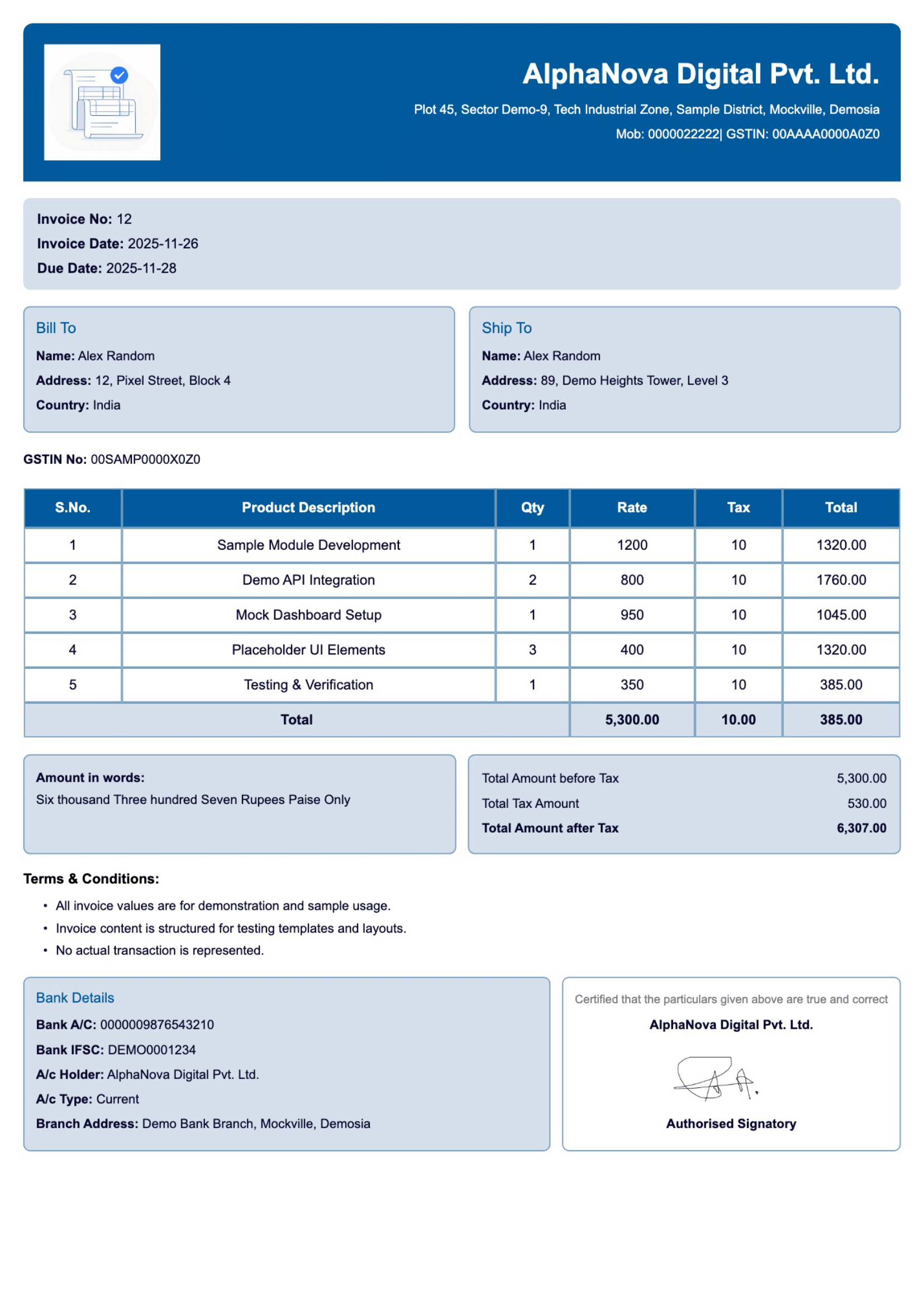
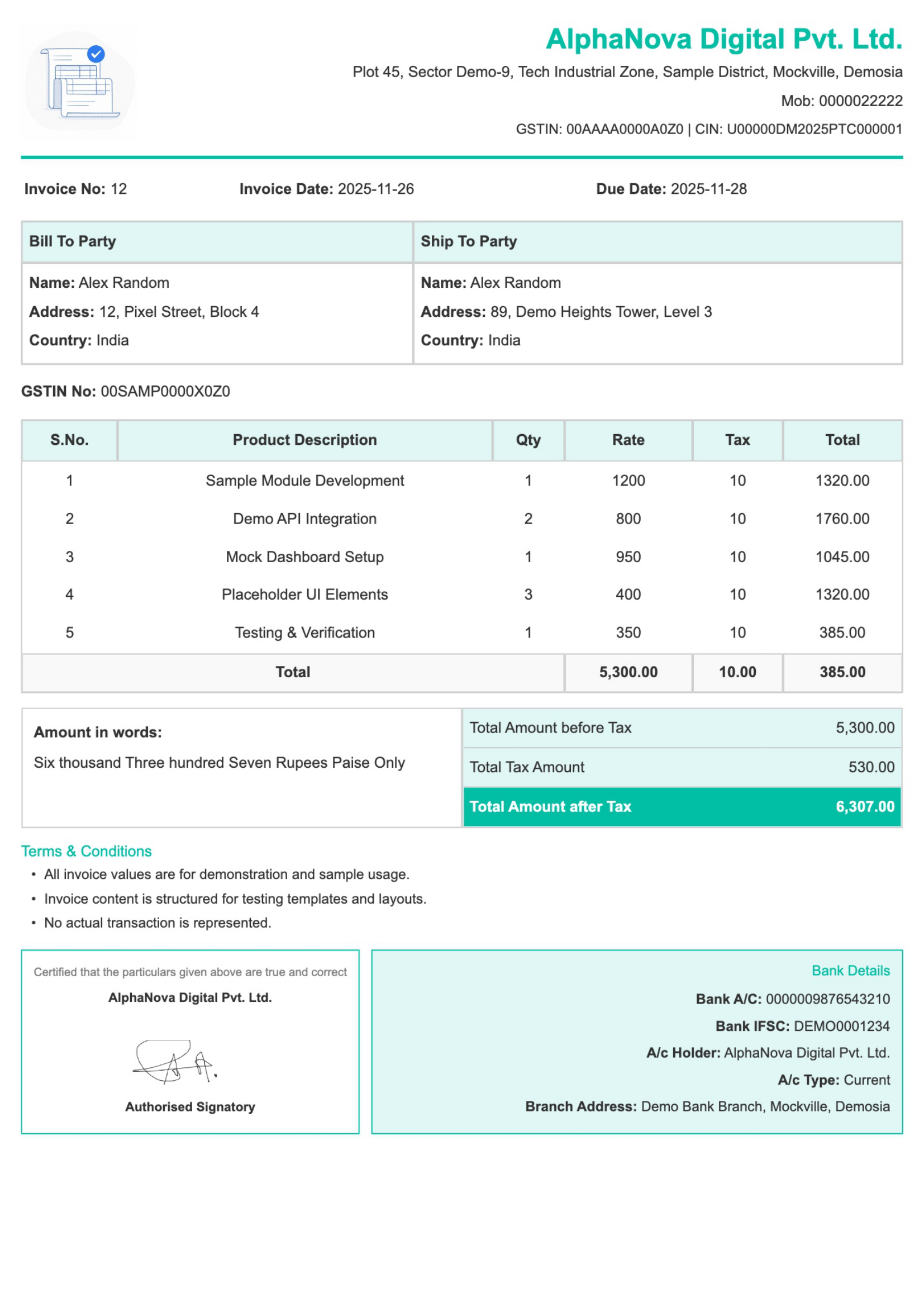
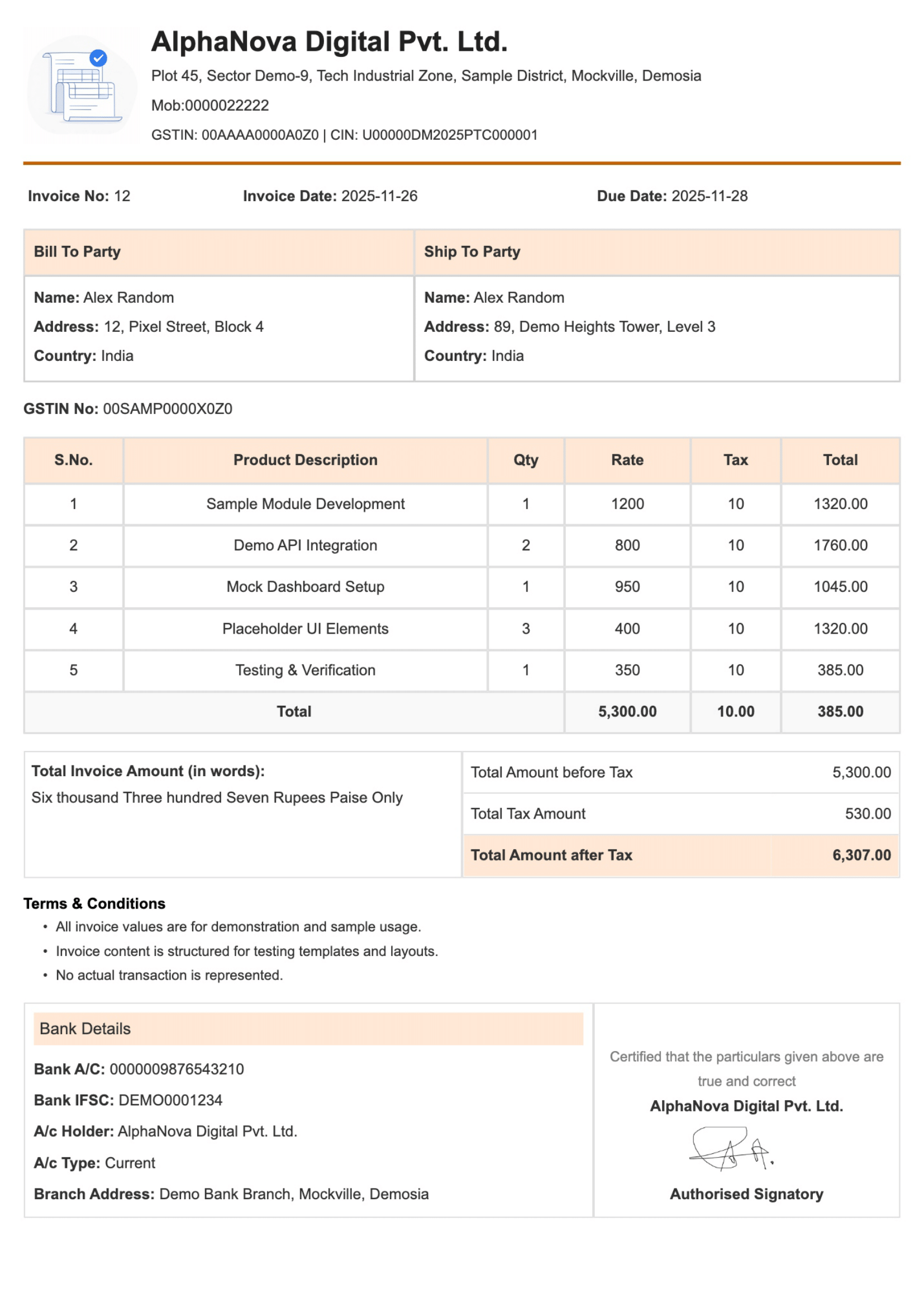
Explore Free Invoice Templates
Choose from professional, customizable invoice templates designed for freelancers, small businesses, and service providers. Download any invoice as a PDF and start billing instantly.
Create professional invoices online instantly— completely free.
Add GST or tax details easily with automatic calculations for the right invoices.
Customise invoice templates and download invoices as PDF Register.
Ideal for freelancers, startups, and small businesses for simple billing.
Make a simple and easy professional online invoices template with Billdesk.app. Just add your data, change the format as you like, and freely download your online invoice template.
Start by adding your business name, contact details, and invoice date. This is a form where you fill in your customer information so the invoice is clear and properly addressed.
Write all the services you are offering. Add clear descriptions, values, and prices to clearly define the products or services.
Select the tax option if required, and you will need to set the tax option by selecting a pre-approved tax jurisdiction and adding any discounts that may apply.
You can add any additional information needed for the payment, such as payment information or due date, and add any other notes that you want to give to your customer to assist them.
Select a professional online invoice format and download your invoice as a PDF. Your invoice can now be printed, emailed, shared with others, etc.
Fill in your business and client details, add items, and let our online invoice maker calculate totals automatically so you can download a professional PDF invoice in seconds.
Choose from professional, customizable invoice templates designed for freelancers, small businesses, and service providers. Download any invoice as a PDF and start billing instantly.
Check the key factors that every professional online invoice should have. A well-structured invoice helps clients understand the charges clearly and builds trust in your business.
Make sure that the following is a document format like an invoice and include the following your business information so that clients can easily accept it as an official invoice maker.
It helps to use a different invoice number to easily and simply track payments, manager records, and avoid billing mix.
The invoice maker's the people's name, business or company name, address, and phone number, and all details to make sure the invoice can be sent to the right manager.
Add your business name, address, email, phone number, and all details for proper finding and adding.
Include the date that the invoice number was issued. This information will help track billing cycles and the timeline for payments for both the people and the seller.
List all goods or services given with a clear description so that people know directly what they are being charged for.
Display the rate for each service clean to maintain clarity and make prices and numbers easy for people know.
Show useful information, such as taxes, discounts, or extra charges, clearly to avoid errors and meet legal requirements.
Highlight the final unpaid amount clearly so clients know the look for to be paid.
Specific due dates, payment methods, and orders to help clients complete their payments fast without follow-ups.
Billdesk.app without thinking orders all these invoice sections, helping you create a clear and professional online invoice in minutes.
See how Billdesk.app helps you create, customize, and download professional invoices online in just a few minutes.
Initiating a new invoice is a quick process that enables you to fill in the detail and forward the invoice to your client - all within a matter of minutes.
The invoices columns can be customized to add or delete details columns such as Quantity, Tax, Discount or Notes which correlates to your workflow.
Invoicing and billing your clients occurs as an automatic process done by sending invoices and tracking paid and unpaid invoices.
To assist your business with recurring clients set up a recurring invoicing system for clients that are monthly clients or repeated clients that your business services monthly or regularly.
Your invoices can utilize templates whether you supply the invoice in person or electronically, simply fill in the fields and utilize the invoice that can print or download as a PDF.
You can track both outstanding invoices and the history of billings when your invoices require payment.
Once client details are entered they can be reused on future invoices creating a faster and easier invoice process for your business.
Whether creating or updating an invoice your business can process multiple invoices simultaneously this is especially helpful for businesses that bill in an extensive volume.
Save your invoice items or services with their prices giving you the ability to add them to an invoice simply and quickly with only one tap.
Allow your team access to your invoices while combing it with full control over the setting, billing management, and reports.
You will never be left without support when needing assistance with invoices or your account!
Discover why freelancers, startups, and small businesses count on Billdesk.app to create professional invoices, simplify billing, and receive payments faster with confidence.

See how freelancers, professionals, and small business people use Billdesk.app to create professional online invoices template, manage payments, and simplify their billing process.

"Very easy to use and saves a lot of time. Creating invoices takes just a few minutes"
"Clean invoice templates and PDF download work smoothly. No signup is a big plus."
"Helpful for freelancers who need quick and professional invoices without complications"
"Simple interface and clear tax options. Works well for basic invoicing needs."
"Does exactly what it promises. Fast, free, and easy to share invoices with clients."
Find quick answers on how to create invoices online, use our invoice templates, download PDFs, and customize Billdesk.app for your business.