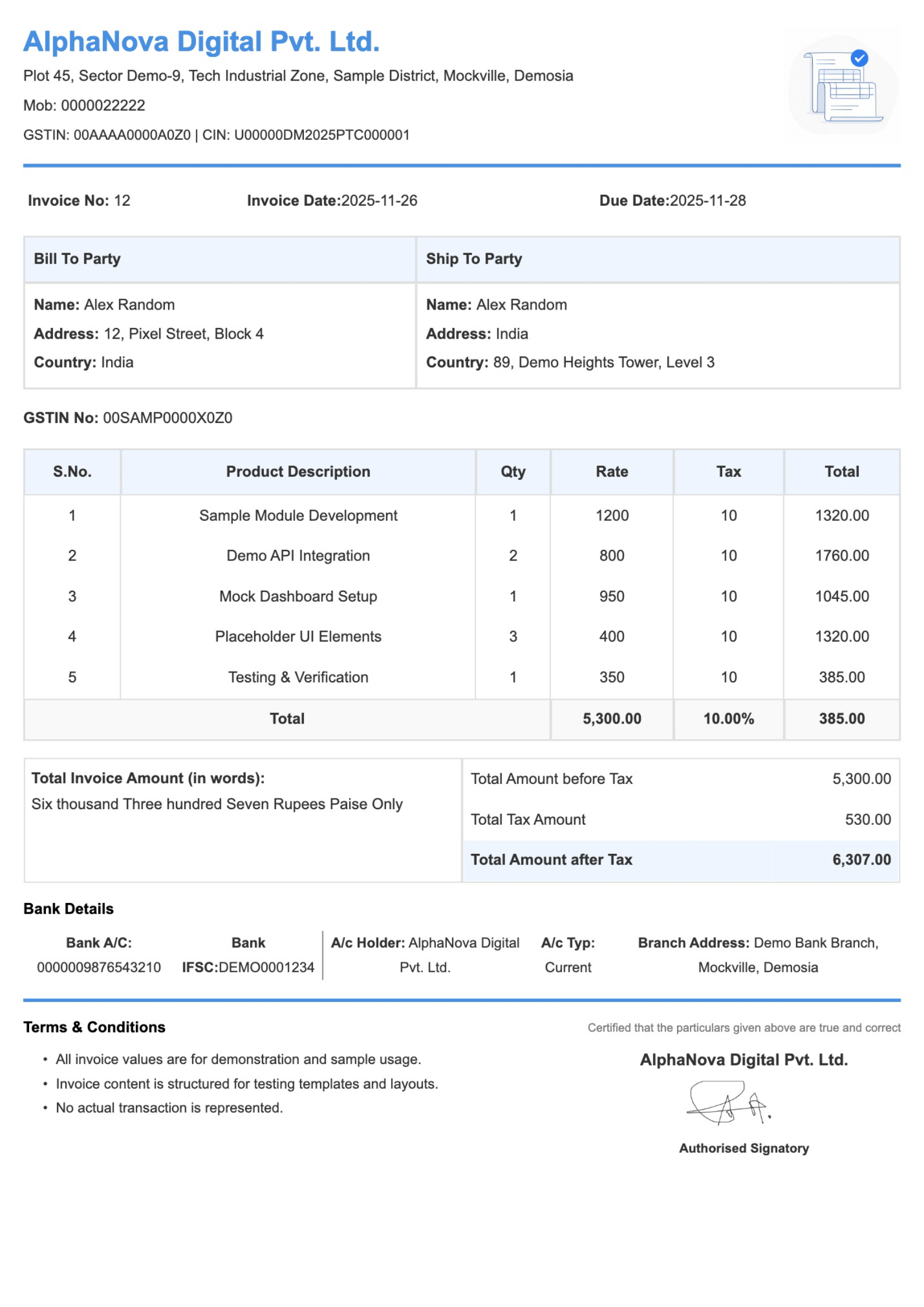
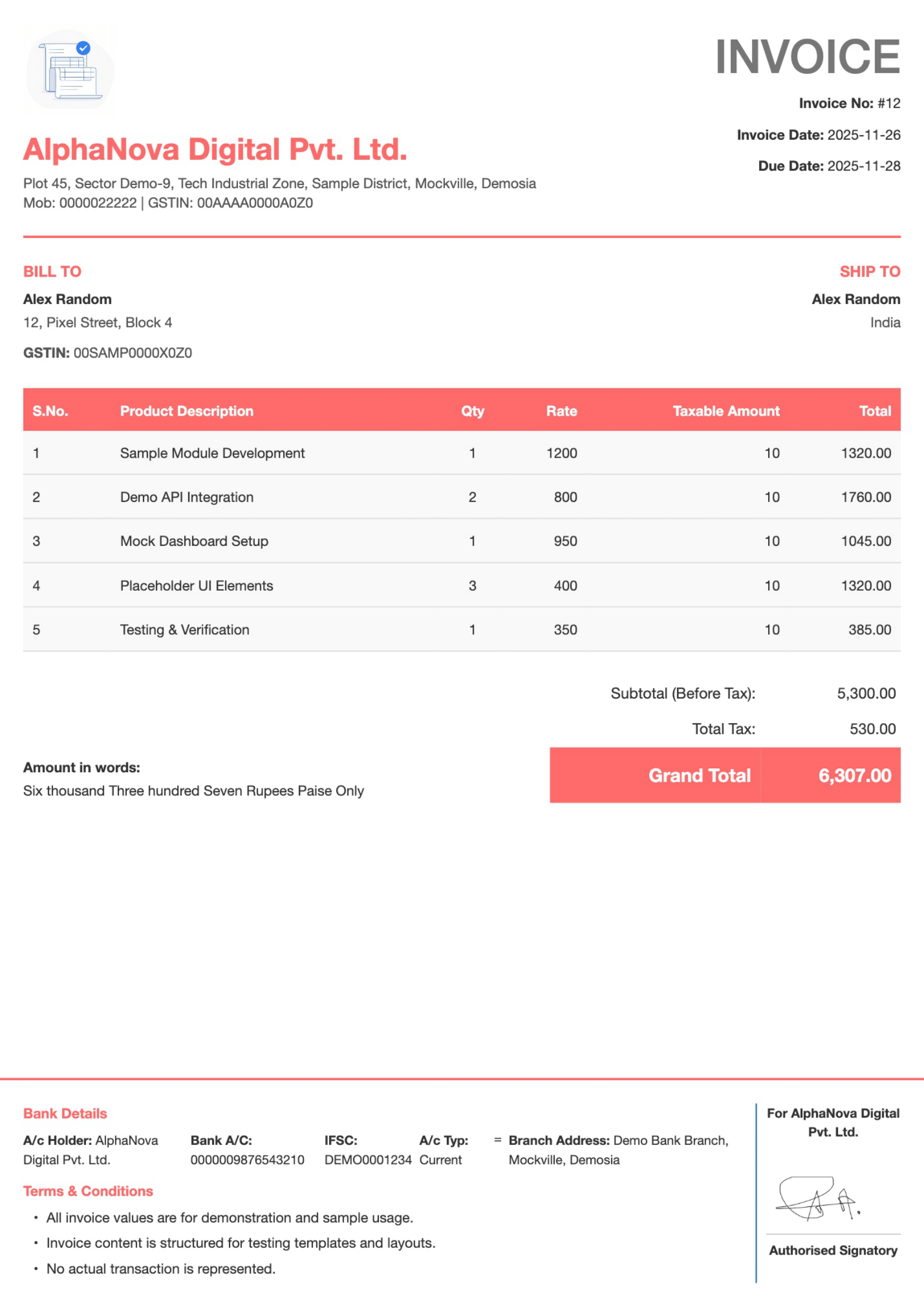
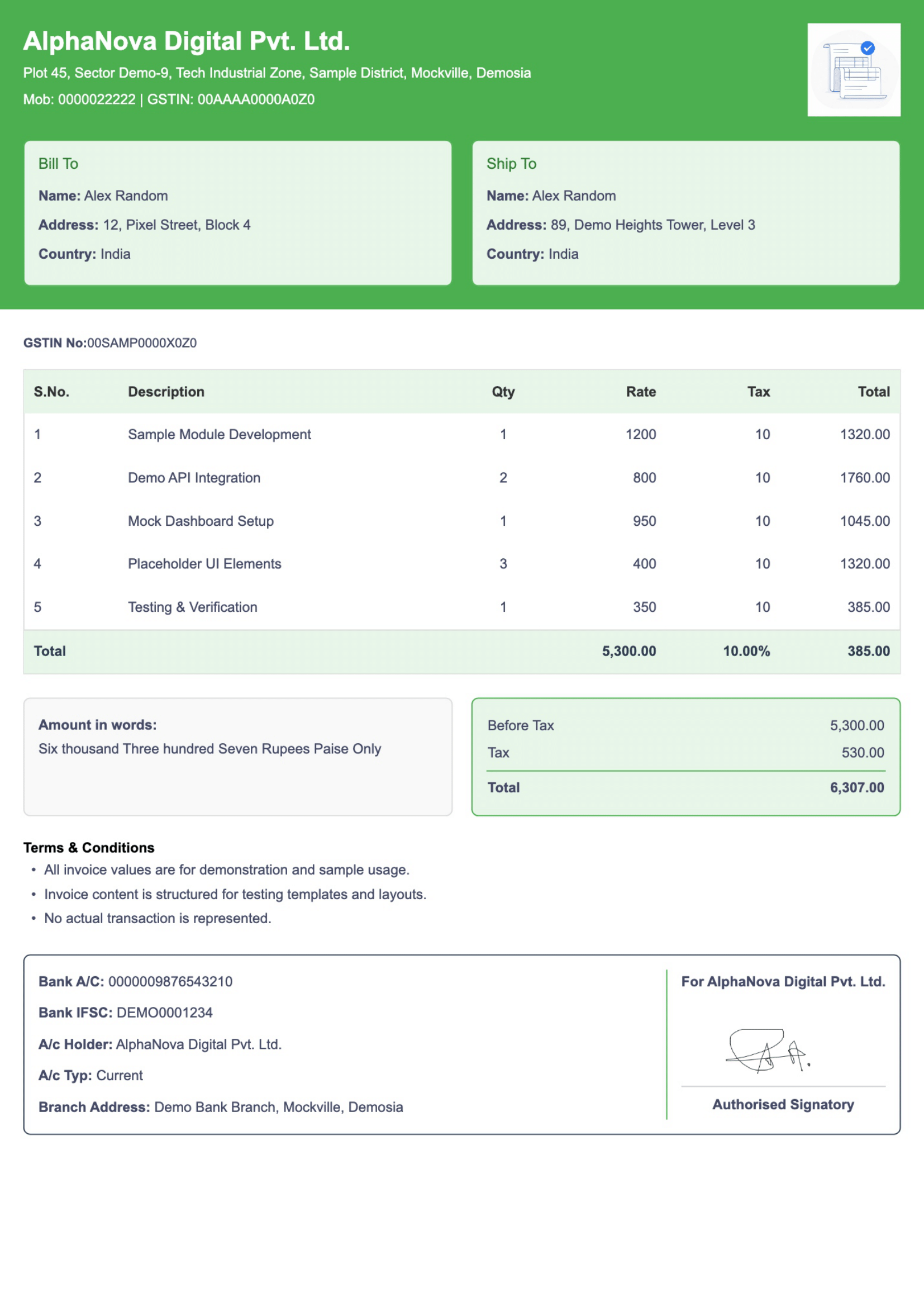
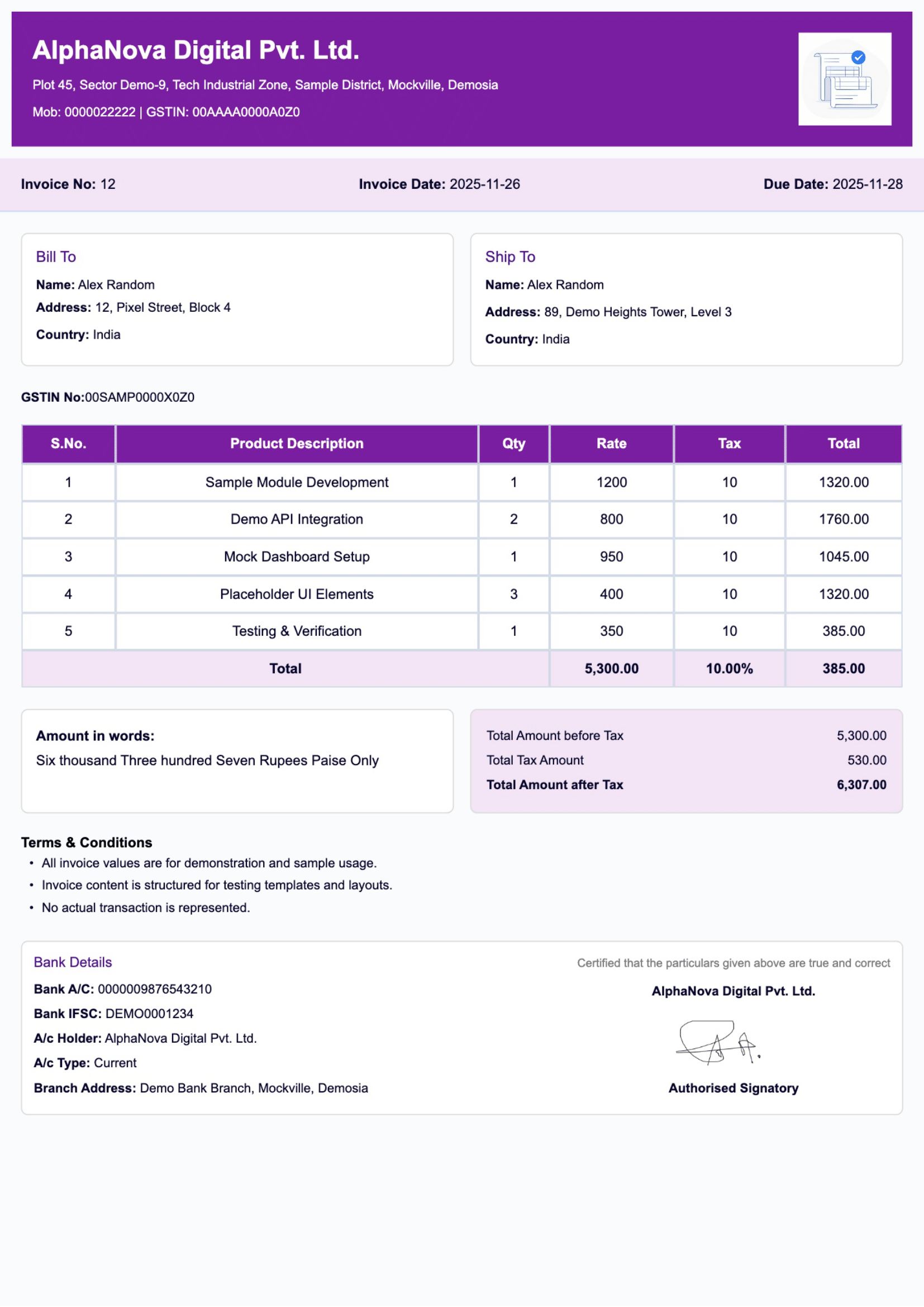
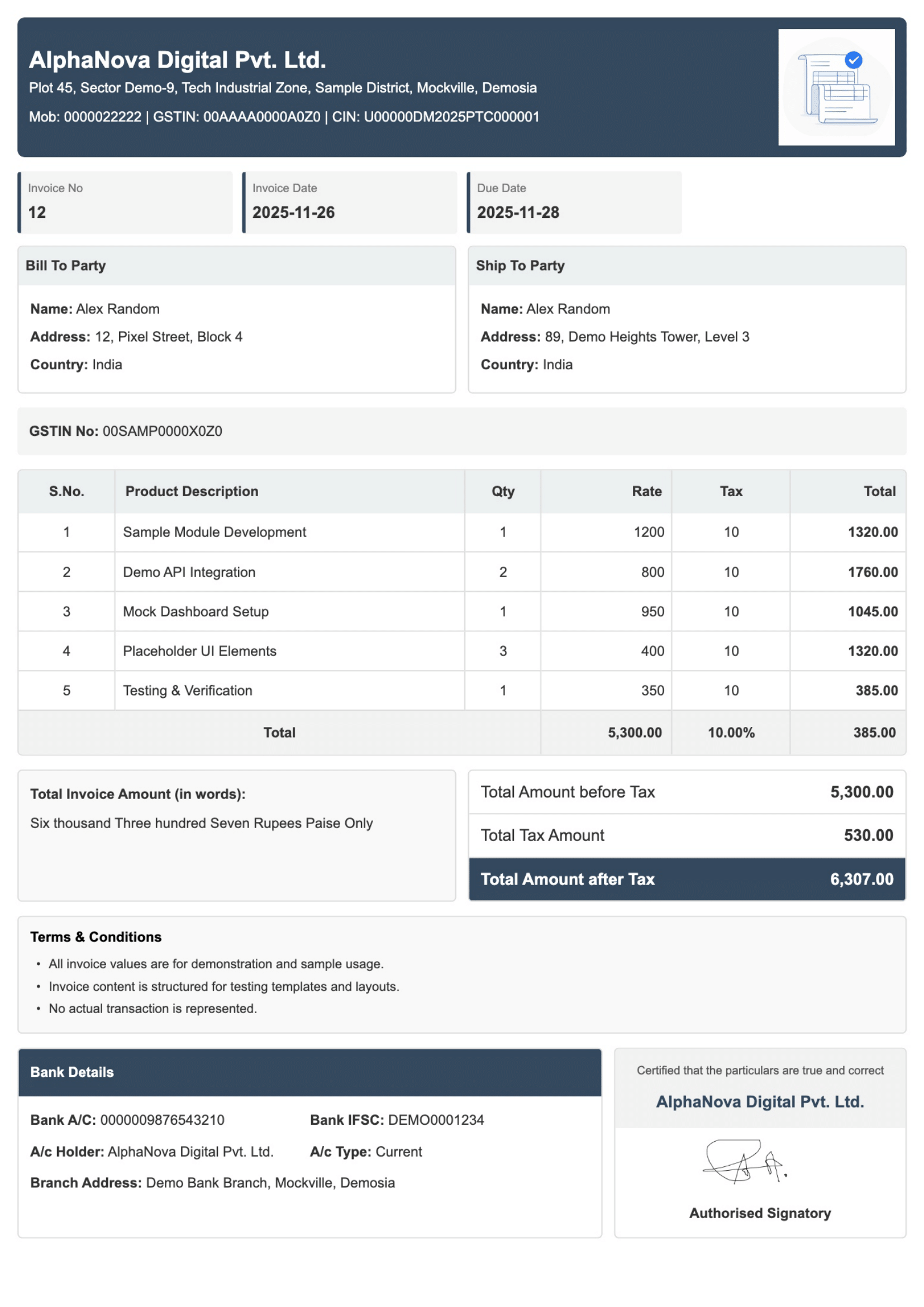
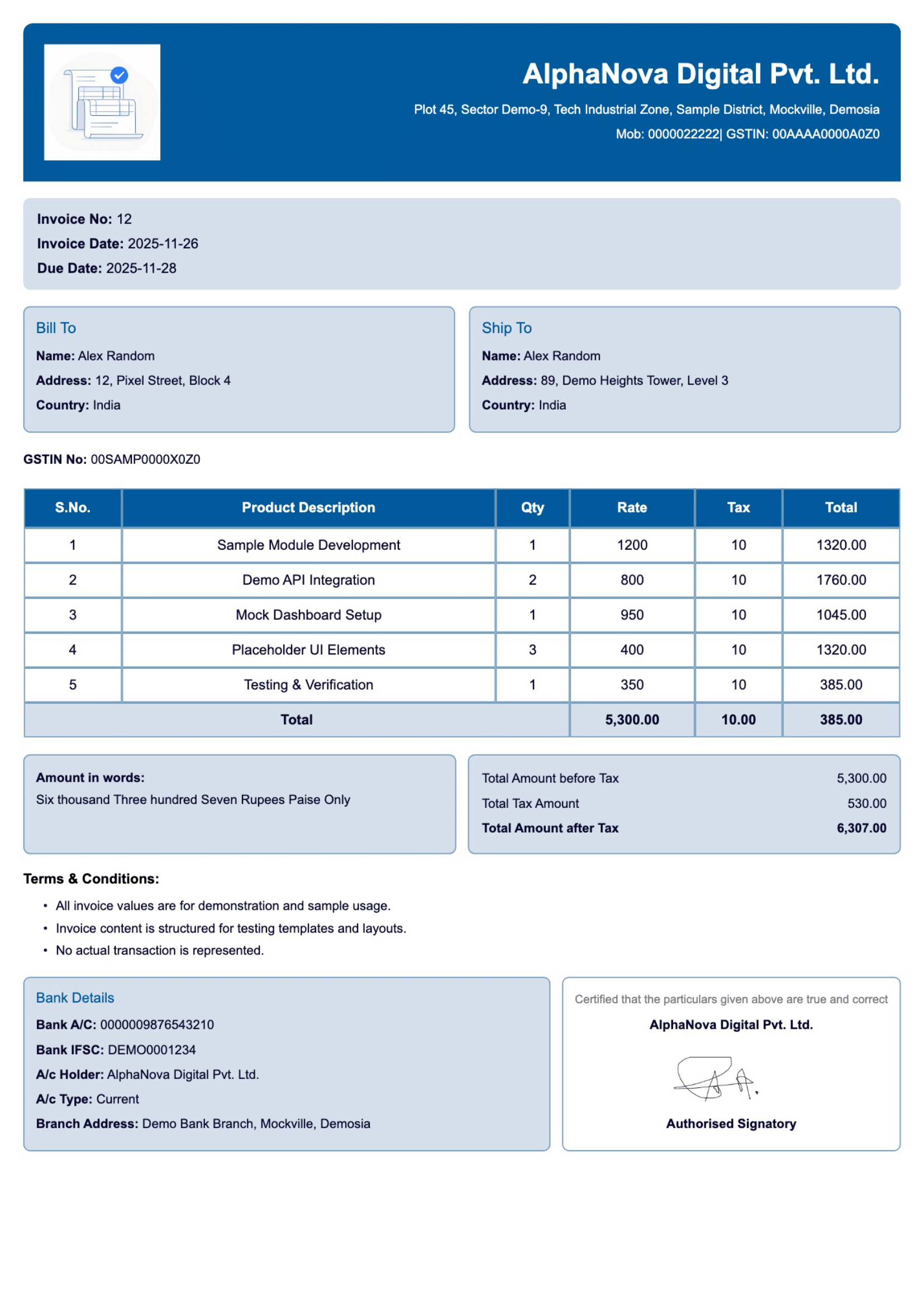
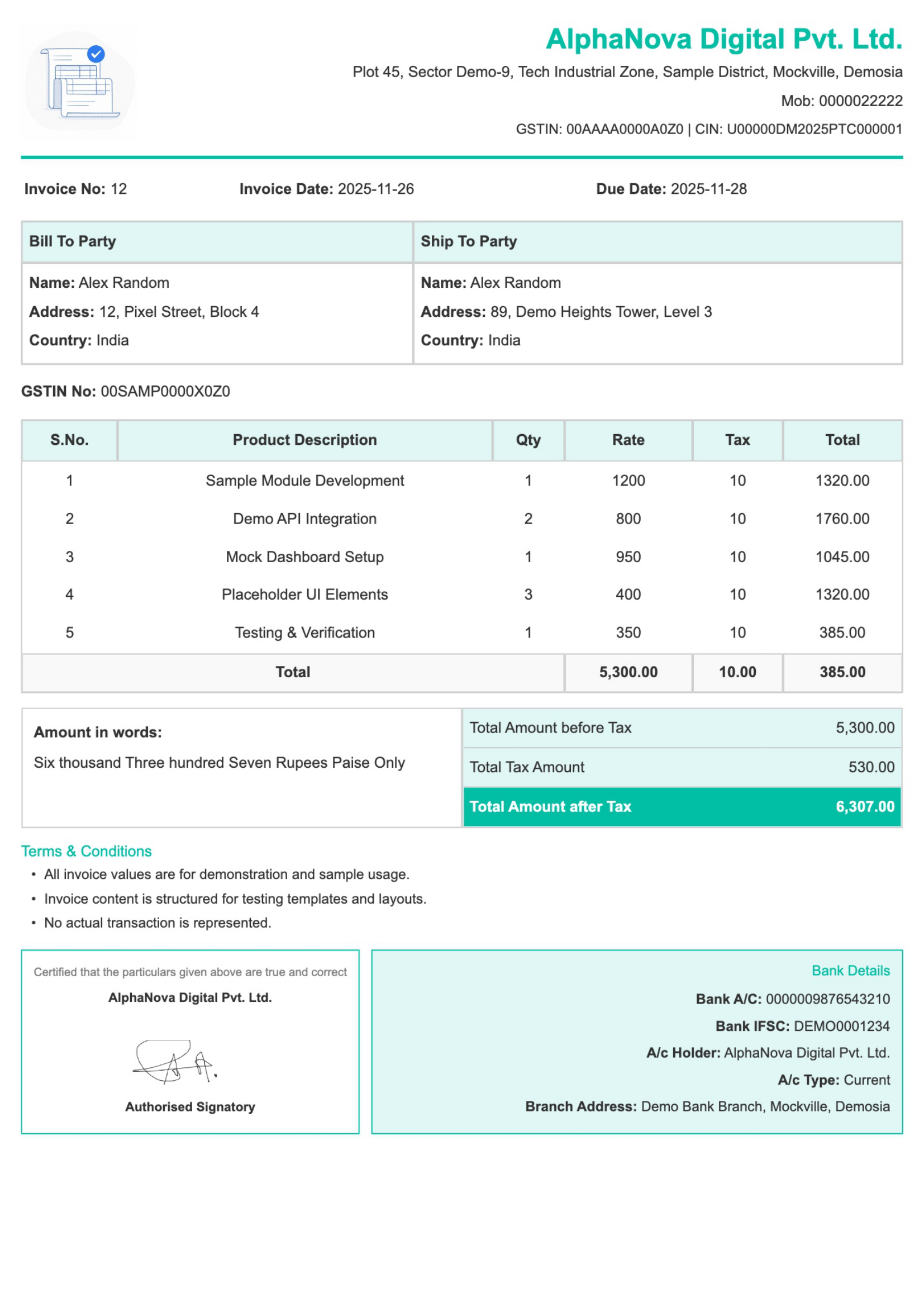
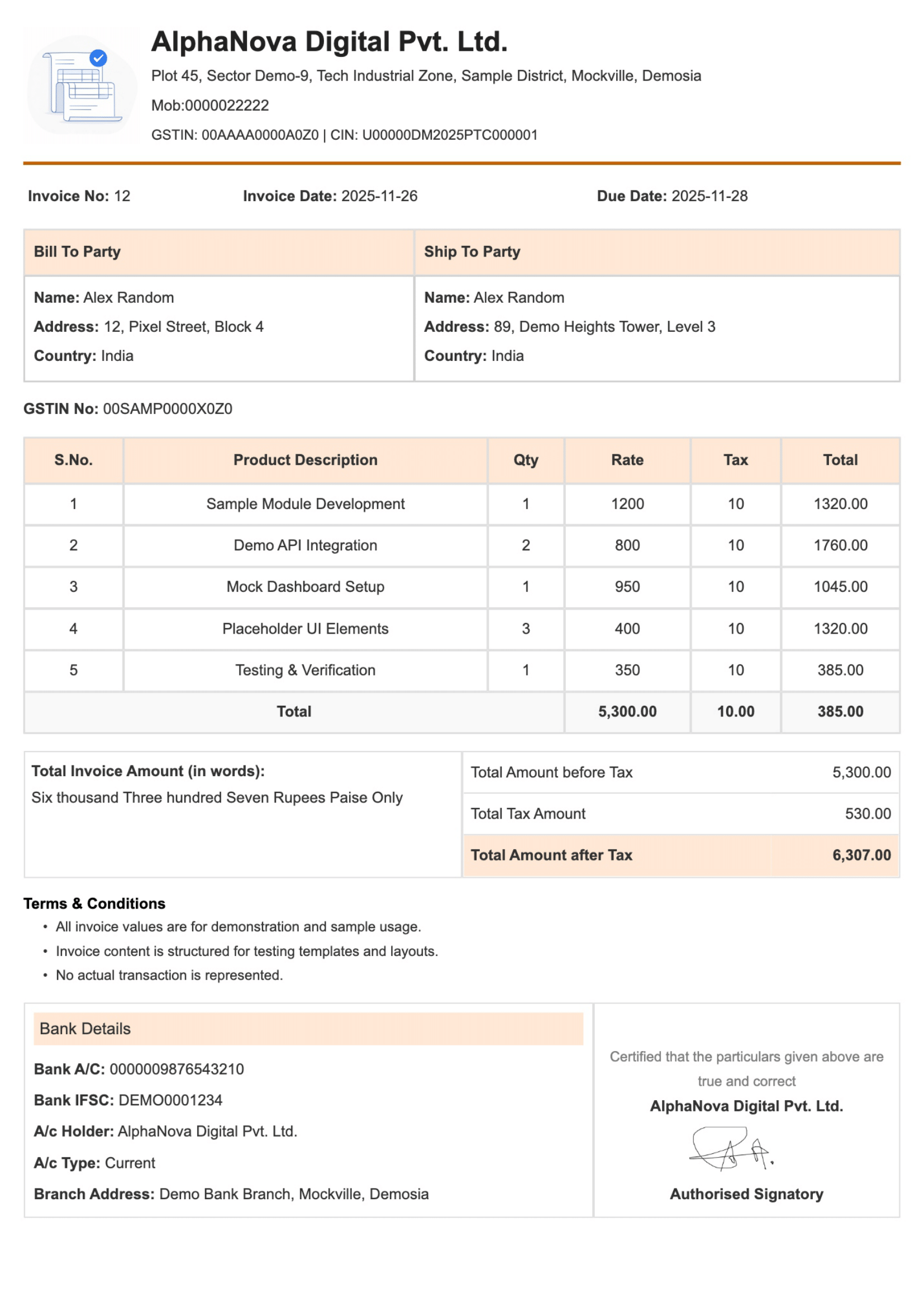
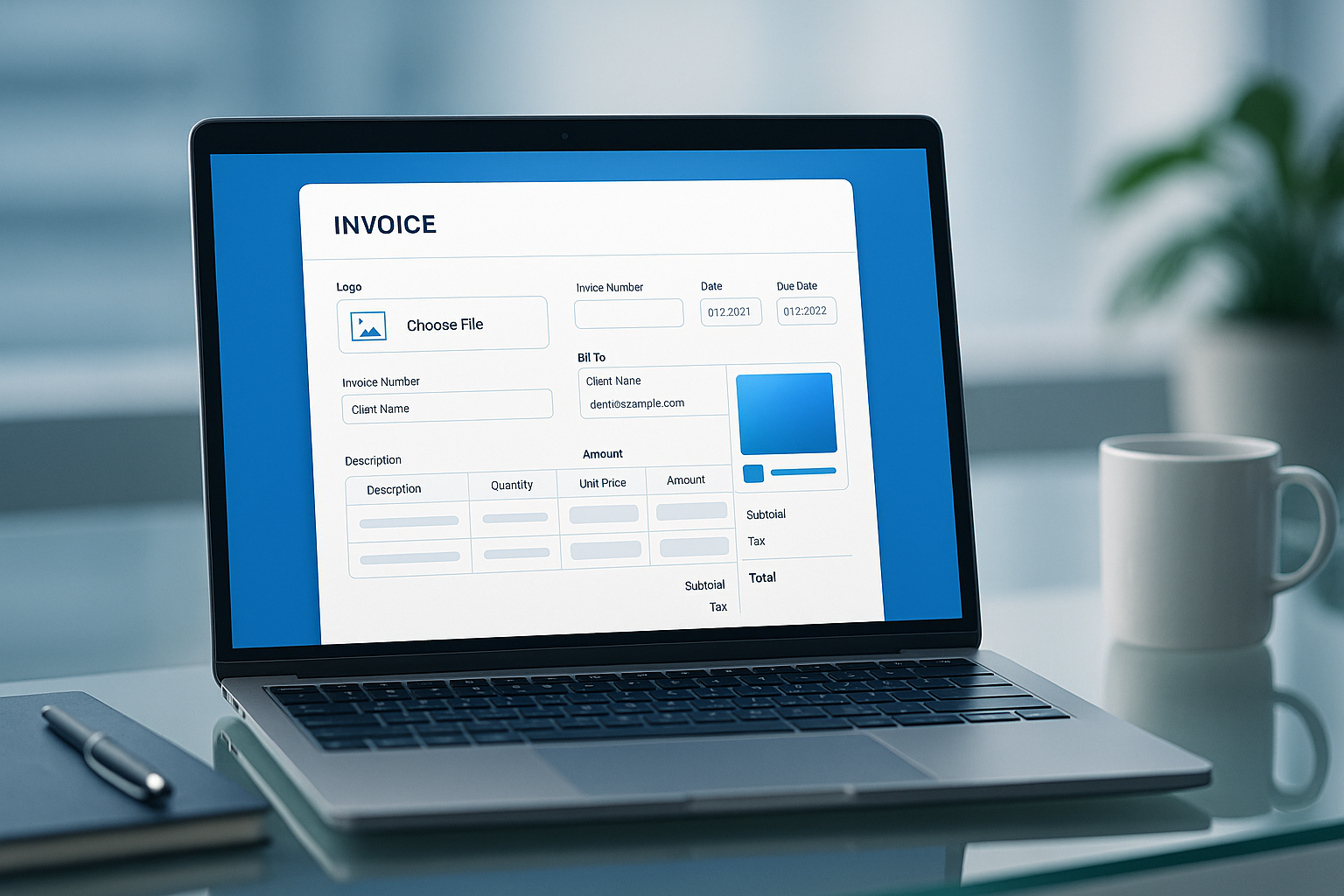
Create clear and professional invoices in just a few minutes using our free online invoice generator. Add your business details, client information, items, and taxes, then download your invoice as a PDF. This tool is useful for freelancers, small businesses, agencies, and service professionals who need simple and fast billing.
Create professional invoices online instantly— completely free.
Add GST or tax details easily with automatic calculations for the right invoices.
Customise invoice templates and download invoices as PDF Register.
Ideal for freelancers, startups, and small businesses for simple billing.
Creating an invoice online is simple and does not require any accounting skills. Follow the steps to enter your information, add items, calculate totals, and download your invoice for sharing with clients.
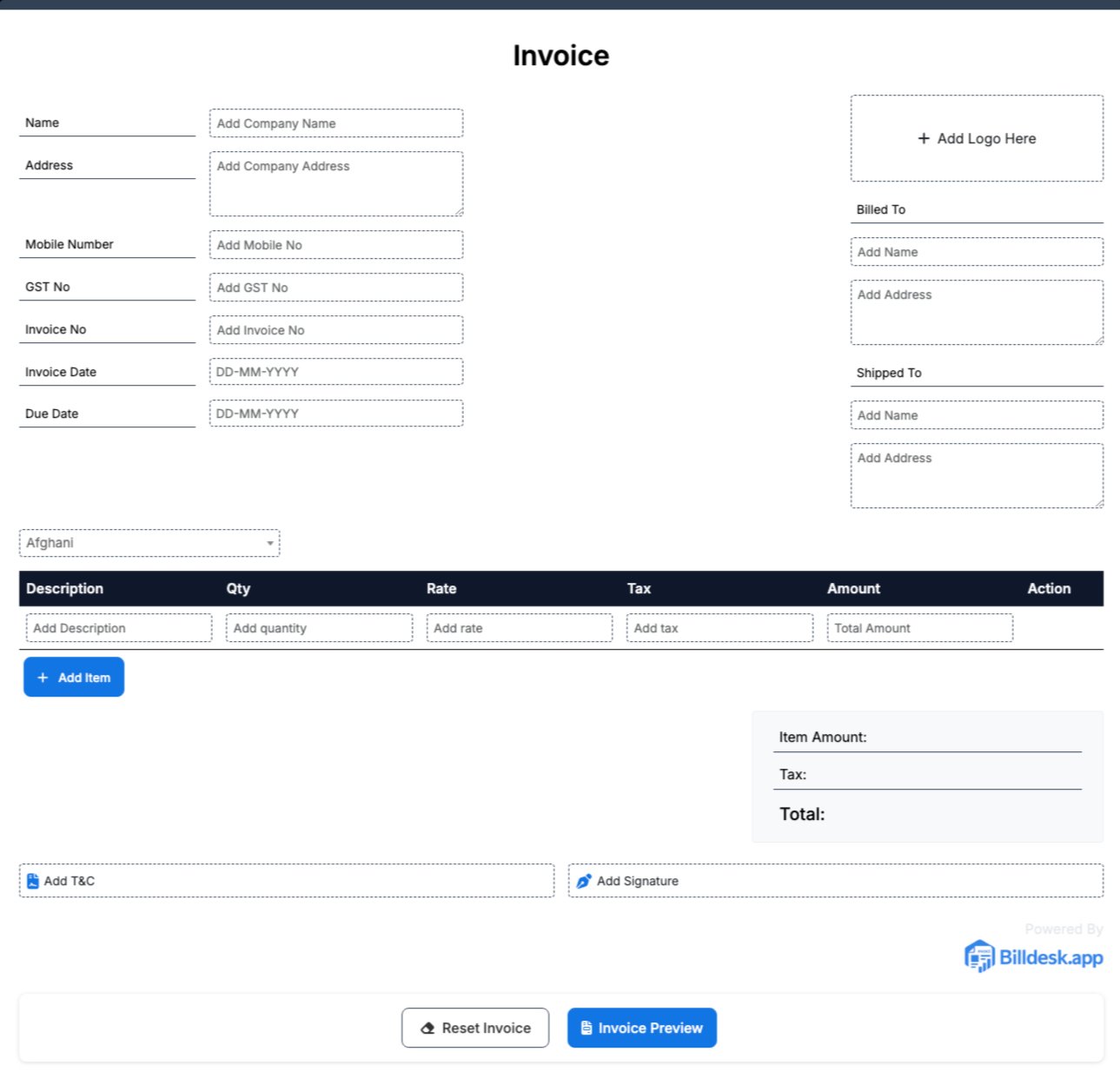
Start by entering your business name, address, contact number, email, and GST number. This information looks at the top of the invoice generator and knows your business.
Pick the name of your client, company name, address, and contact details. This makes sure that the invoice is properly addressed to the customer or business that you are billing.
Every invoice should have a different invoice number and invoice date. This helps track payments, maintain records, and manage accounting properly and simply.
List the products and services given along with description, number, rate, and total amount for each item added to the invoice.
Add GST or other taxes if related. You can also add discounts, shipping charges, or additional fees to automatically calculate the final invoice amount.
Once all the details on the invoice have been reviewed, save the invoice as a PDF or print it and direct it at once. You may then forward the invoice to your client to pay it.
This step-by-step invoice creation guide helps you create a complete invoice with business details, client information, item pricing, tax details, and payment guide.
Upload your company logo to give your invoice a professional and branded look.
Add your business name, address, phone number, and other contact details to identify your company on the invoice.
Enter your client’s name, address, and contact details to make sure the invoice is right.
Assign a different invoice number to help track and manage invoices successfully.
Specify the invoice date to maintain the right billing and payment records.
List each product or service with a short description and a number for clear billing details.
Enter the price for each item to calculate the total invoice amount.
Add terms of payment, due date, and other guidance to your client.
/To get your invoice, click the download button. After confirming your information, you all receive a PDF version, ready to be shared.
Browse our collection of simple and professional invoice templates designed for freelancers, consultants, agencies, and small businesses. Choose a template, add your details, and create invoices quickly without designing from scratch.
Our free invoice generator helps businesses create professional invoices, calculate taxes automatically, download PDF invoices, and manage billing easily.
Fill in your business information, add your client’s information, list your products and services, and download your business invoice instantly – all within minutes without complex software.
You can download an invoice in PDF format directly from your client's email, making billing fast and more good.
Your data is safe and secure. We do not store your personal or financial information, ensuring complete privacy while creating invoices online.
Easy and simple to add discounts, shipping fees, taxes, or additional charges. The invoice generator automatically calculates totals, easing manual mistakes.
Make a tool that creates invoices. It should include GST details, client info, tax breakdowns, and total amounts for freelancers, small business owners, and service providers.
Each invoice template is clean, well-structured, and professionally formatted so your clients can clearly know charges, taxes, and total values.
Our online invoice generator helps freelancers and businesses create professional GST and non-GST invoices, add discounts and shipping, include logos, and download PDF invoices instantly from any device.
GST details are important for businesses and freelancers who need to issue tax invoices. Understanding GST invoices helps maintain proper billing records and tax documentation.
Explore helpful articles on invoice creation, GST billing, payment terms, and simple accounting tips for freelancers and small businesses. Learn how to manage billing more successfully.
Freelancers, small business owners, and service professionals use our invoice generator to create professional invoices, manage billing, and keep organized payment records for their clients.
Our users value the simple plan and fast invoice creation process. The invoice generator helps freelancers and small businesses create professional invoices, manage billing, and save time.
Find answers to common questions about creating invoices, GST invoices, invoice formats, downloading PDF invoices, and using our free online invoice generator for business billing.