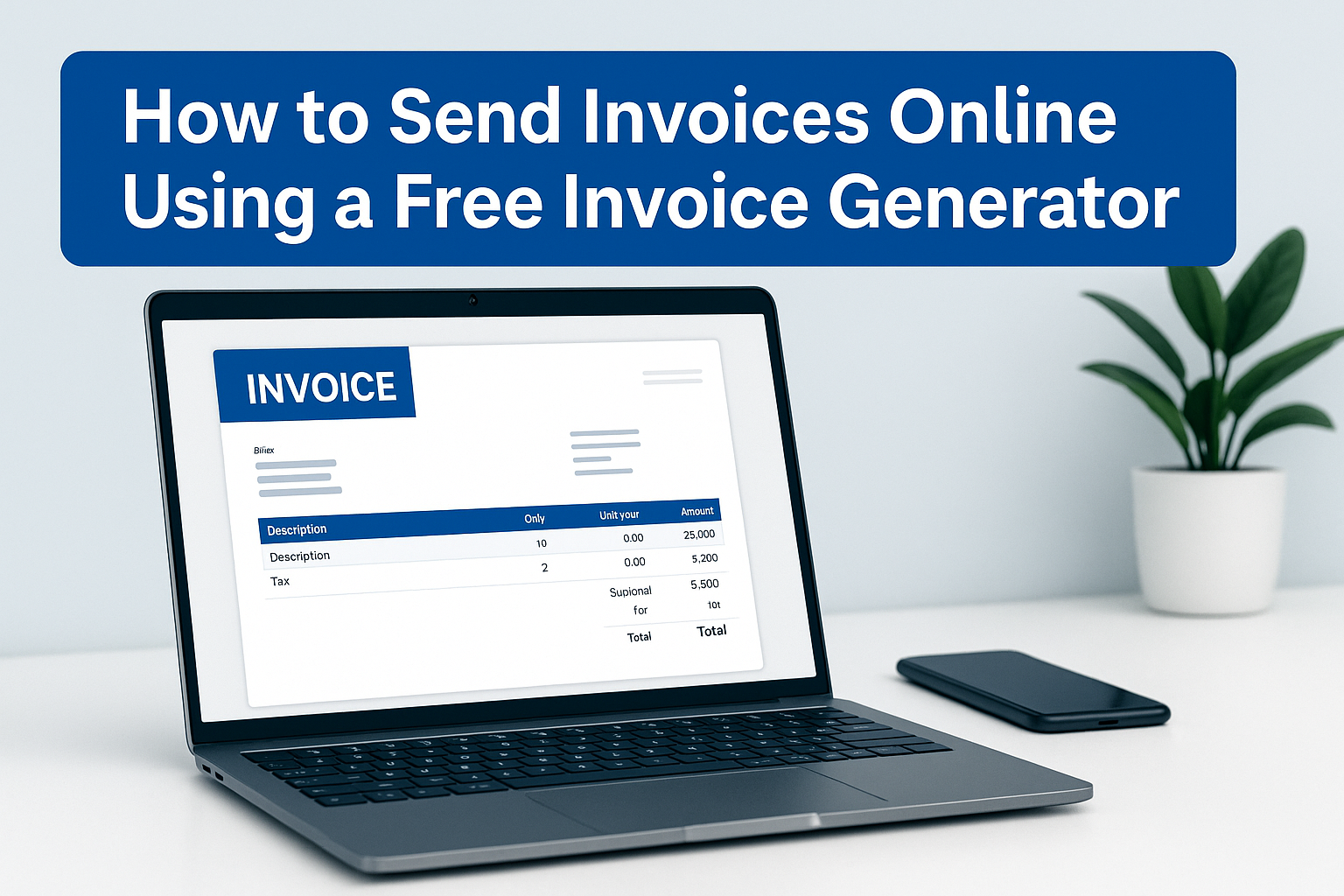
The last phase in any act of employment is payment, and the way you present your bill significantly influences the speed of the payments. Previously, a number of businesses used to print invoices or use handwritten bills. Nowadays, it is quicker, more secure and convenient to send invoices online both to you and your client. You can also generate a professional invoice in just a few minutes and send it immediately, without the need to use any special software or accounting system, with a free invoice generator.
This tutorial will step you through the process of emailing invoices and also provide best practices to ensure faster invoice payments and to eliminate confusion and misunderstanding.
Why Sending Invoices Online Is Better Than Paper Invoices
Digital invoice sending has great benefits to businesses in the present day.
Speed
Invoices are delivered instantly on the internet in email or via messaging applications - no postal time or printing delay. Quick execution of service usually results in quick payments.
Tracking
Invoices in digital form allow easier monitoring of the delivery, receipt, and response of a message by a client. Invoices can also be stored electronically, and payment status can always be observed.
Cost Savings
Paper invoices will demand printing, envelopes, a stamp, as well as a courier. An online transmission of invoices gets rid of the needless payments and wastage of time by both the sender and the receiver.
On the whole, invoicing online facilitates and streamlines the working process and helps to maintain your billing system in order and on a professional level.
Steps to Create and Send an Invoice Online
Step 1 – Generate Your Invoice with a Free Invoice Generator
Firstly, you need to design your invoice with the help of a reliable online invoice generator.
To do this:
- Enter the name of your business, address, and contact number.
- Fill in client details
- Add quantities and prices for items or services
- Add taxes like GST or VAT where necessary
- Add terms and due dates of payment
After you confirm the information is correct, download the invoice as a PDF. file does not change the structure and appears professional on any device.
Step 2 – Choose How You Want to Send the Invoice
Once your invoice has been downloaded, choose the best way of delivery.
The professional and commonest manner. Append the invoice PDF and send it to the email ID of your client.
Messaging apps
WhatsApp, Telegram, and Messenger are useful platforms to use when clients want to communicate quickly. Shop owners and service providers may find these especially handy.
Client portals
In case your client operates on a business portal, you may upload the invoice and manage the workflow and approvals automatically.
Select any of the approaches that are welcomed by your client — easier communication leads to expedited payments.
Step 3 – Write a Clear Invoice Email Message
The email with an invoice is written in an appropriate tone to stimulate faster payment. Be short, polite, and professional.
Suggested subject lines:
- Project/Service Name Invoice [#123]
- Payment Request-Invoice-Month/Project/Order
- Invoice Number [Invoice Number] due on date [Date]
Sample body message:
Hi [Client Name],
The invoice for [project/service/product] is attached. The date of payment is [date]. You can contact me in case you have to change or clarify anything.
Thank you for your business.
Regards,
[Your Name]
This well-defined structure does not confuse and makes communication easy
Step 4 – Attach Invoice PDF and Send
Add a PDF file created based on the invoice maker and forward the message
Before sending, double-check:
- Correct invoice number
- Proper email address of the client
- Due date stated within the email message and invoice
After sending, archive a copy of the sent e-mail.
Best Practices When Sending Invoices Online
To be a professional and eliminate delays, keep these best practices in mind:
- Make timely invoices - best when the work is done or in the case of an advance payment, the service.
- Use the same email address each time — for consistent branding and security.
- Add payment instructions or links — such as bank details, UPI, or payment portal.
This is aimed at ensuring that the process remains smooth, such that the clients need not seek further information before payment.
Tracking Online Invoices and Follow-Ups
Sending the invoice is not enough; you should also track it.
How to know if a client has paid
- Confirmation of check transactions
- Keep a simple ledger or spreadsheet of payments
- Request confirmation if you’re unsure
When to send reminders
When the closing date elapses and there is no response with the payment, send a non-aggressive follow-up message. A good format is:
“This is an informative notice concerning Invoice number [number] that is due on the date. Do tell me, in case I should have clarification.”
It is possible to prevent awkward discussions and make payments on time with the help of professional reminders.
Security Tips for Online Invoicing
It is necessary to keep business and client information safe. Use the following security practices:
- Always send invoices as PDF files — editable formats can be modified or misread.
- Avoid sharing sensitive details on public channels — such as payment links in group chats or forums.
- Store billing records safely — for compliance and future reference.
A secure invoicing process will demonstrate to your clients that you value professionalism.
Conclusion
Electronic invoice transmission saves time, decreases billing mistakes, and accelerates payments. Online invoicing can be used by freelancers, agencies, shop owners, and service providers to keep professional contact with each other, and keep a record of payments ordered and processed systematically.
Billdesk.app has a free online invoice generator, which is the simplest place to start. Write your invoice, select a template, download the PDF, and send it right away without needing any software or sign-in.
Professional billing does not need to be a complex process. Billdesk.app makes invoicing simple, fast, and free.