Introduction
Small business people manage many daily tasks such as sales, customer service, marketing, listing, and accounting. Among all these tasks, invoicing is one of the most important tasks cause invoices are used to request payments, maintain transaction reports, and manage business income. Without proper accounting and proper invoices, it becomes difficult to track payments, calculate profits, and maintain accounting reports.
To make invoicing easy to use and more professional, many small businesses use an invoice template. Invoice templates help business people create fast using a ready-made template format rather than planning invoices from the beginning every time. This saves time, eases errors, and maintains a proper professional format for all invoice generation.
This step-by-step guide will help small business people know invoice templates, their importance, what to include in an invoice template, and how to choose the right invoice template for business use.
What is an Invoice Template?
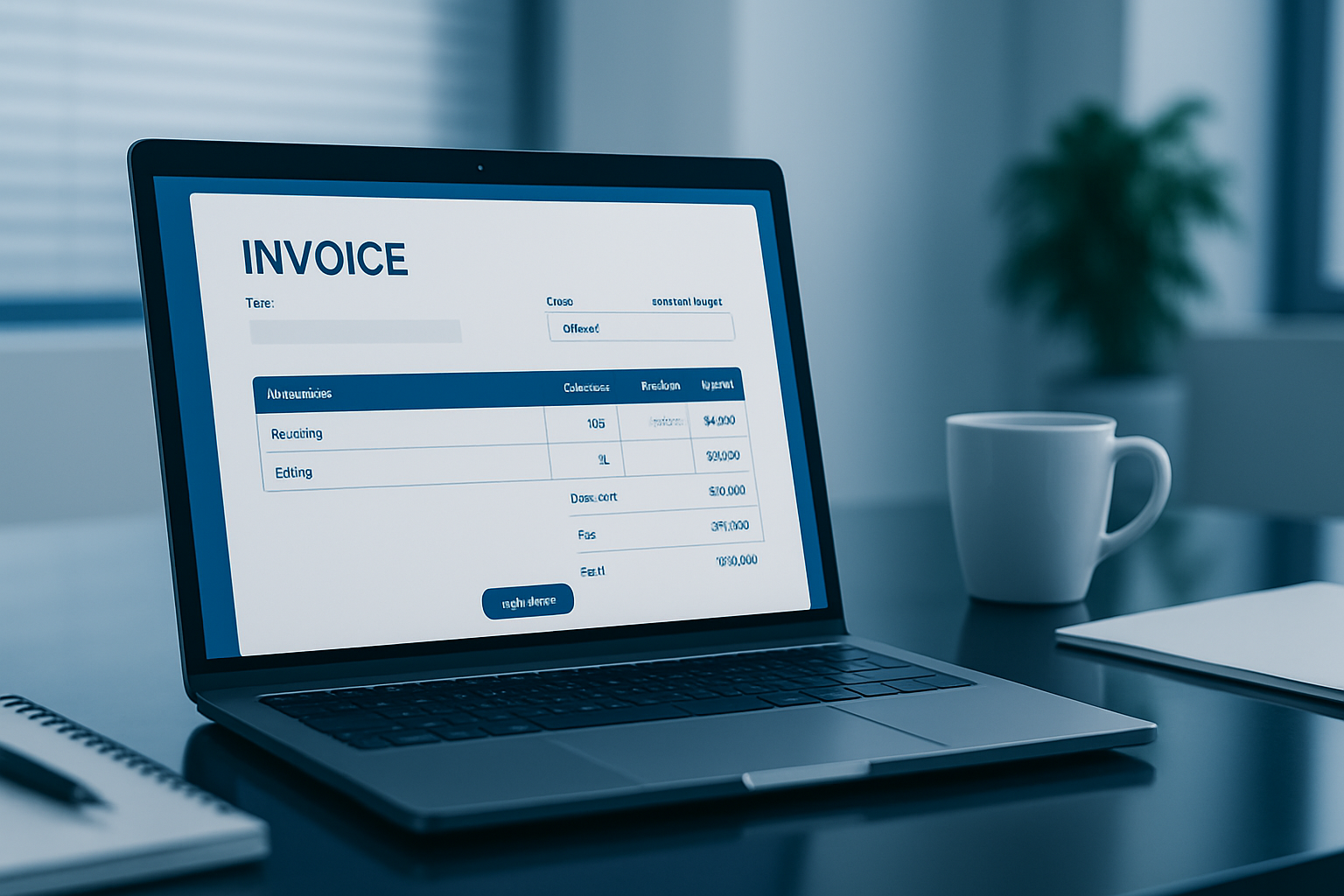
An invoice template is a pre-designed invoice layout that includes all the important sections needed in an invoice. Business people only need to fill in information such as business details, customer details, products or services, price, tax, and payment terms.
Invoice templates help maintain a proper invoice format and make the billing process faster and more organized. Rather than creating invoices manually in Word or Excel every time, businesses can simply use the template and update the details for each customer.
Why Invoice Templates Are Important for Small Businesses
Invoice templates are very useful for small businesses because they simplify the billing process and help with financial plans. Many small businesses do not use accounting software in the beginning, so invoice templates become an easy and popular way to invoice generations.
Using invoice templates helps businesses maintain proper payment records, track pending payments, and manage financial documents. Professional invoices also grow business character and build trust with customers.
Main benefits include:
- Fast and simple invoice creation
- Professional invoice design
- Proper invoice format
- Easy record keeping
- Better payment tracking
- Useful for tax and accounting
- Improves business image
Invoice templates help small businesses keep organized and manage billing successfully.
Important Sections in an Invoice Template
A professional invoice template should include all the extra sections so that the invoice is clear and easy to understand. Missing information in invoices can cause payment confusion.
Business Information Section
This section holds the business information of the company sending the invoice. It usually appears at the top of the invoice and helps identify the business.
This section should add the business name, address, phone number, email address, website, and GST number if relevant. Proper business information makes the invoice look professional and official.
Customer Information Section
Customer information is also very important in an invoice because it shows who the invoice is issued. This section adds the customer name, company name, address, contact number, and email address.
Proper customer information helps maintain records and make reports easier if there are any invoice-related questions.
Invoice Details Section
This section outlines the details of an invoice - including the invoice number, date of the invoice, and any payment due dates, as well as how long it takes to pay an invoice. It is important for all invoices to have a different invoice number due to their complexity.
This will help in monitoring and maintaining invoices properly for both tax and accounting purposes. It is best practice to list your customer's payment terms at the top of the invoice (e.g. 7 day, 15 day or 30-day) so the customer will know when they need to pay you.
Product or Service Details Section
This is the most important section of the invoice generator where businesses list the products sold or services given. This section usually adds name, description, number, price, and total value.
This section should be clear and detailed so customers can know exactly what they are paying for. Clear descriptions also help avoid payment disputes.
Amount Summary Section
After listing products or services, the invoice should include a summary of the amount. This section adds subtotal, discount, tax or GST, and the final total amount.
This section is important because it shows the final value the customer needs for payments.
Payment Details Section
The payment section adds payment guides such as bank information, UPI ID, payment link, or other payment methods. Clear payment information helps businesses receive payments faster and avoid waits.
Notes and Terms Section
This section includes additional information such as payment terms, late payment charges, refund policy, or a thank you message. This section grows reports and makes invoices look more professional.
Types of Invoice Templates for Small Businesses
Small business invoicing can vary depending on the type of products you sell, how many invoices are created per month, or if you are a service provider. As a result, the kind of invoice templates a small business will use can differ.
Common types of invoice templates available include:
- Service invoice templates
- Product invoice templates
- GST invoice templates
- Freelance Invoice Templates
- Consulting invoice templates
- Hours of work invoice templates
- Project invoice templates
- Return invoice templates
- Formal invoice templates for billing purposes
The right template allows a small business to create invoices correctly and maintain proper records for billing purposes.
How to Choose the Right Invoice Template
Selecting the right invoice template is important for small business invoicing. A professional invoice template should be simple, clear, and professional. It should add all important fields such as invoice number, dates, product and service table, tax information, and payment information.
Small business people should select invoice templates that are easy to edit, easy to save as a PDF, and easy to print. Online invoice generator templates are also a good option because they automatically calculate totals and taxes.
A good invoice template should make the billing step-by-step process easy to use, not more complicated.
Best Invoicing Practices for Small Business Owners
Small business people should follow proper invoicing practices to maintain financial records and receive payments on time. Sending invoices with missing invoice details can affect payment details and affect cash flow.
Business people should always use invoice numbers, send invoices on time, clearly mention payment due dates, double-check totals before sending invoices, and keep invoice reports secure and safe for details. It is also important to follow up on unpaid invoices and maintain monthly invoice records.
Proper invoicing practices help businesses maintain fixed cash flow and organized financial records.
Conclusion
Invoice templates are very useful for small business people because they make invoicing simple, fast, and professional. A good invoice template includes business details, customer details, invoice number, product or service details, tax information, total amount, and payment instructions.
Using invoice templates saves time, eases errors, improves expertise, and helps maintain financial records. Small businesses should use professional invoice templates or online invoice generators to manage invoicing successfully and maintain proper billing records.
Using an invoicing system is more than just asking for payment is an analytics business tool to help manage your finances and to do business professionally. Using a proper invoicing template can give small businesses much more manageable billing systems and allow for better organization of their finances.