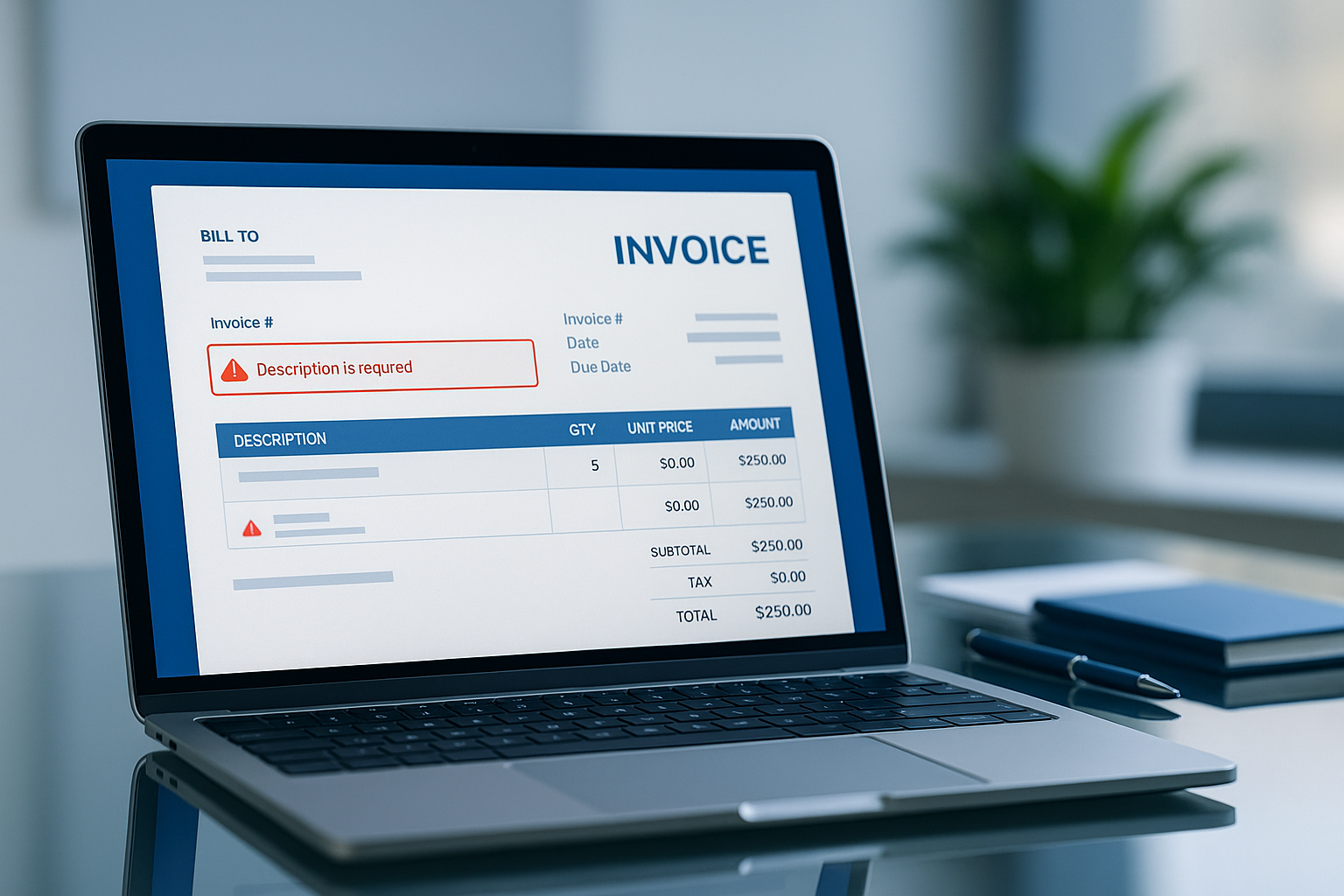
Invoicing is a crucial aspect of business operations, whether you are a freelancer, shop owner, independent professional, or agency. The properly designed invoice results in quick payments and a more pleasant experience with the client. However, even through online invoice generators, some errors may slow down the payment, create doubt, or damage your reputation.
We will discuss in this guide the most frequent mistakes that people commit when preparing invoices online and how to prevent them, to be able to receive money on time and properly.
Why Invoicing Mistakes Cost You Time and Money
Minor mistakes on an invoice will cause time wastage, customer inquiries, and management hassle. This is the reason why it is better to avoid mistakes:
Late payments
Most clients will not pay an invoice if it is unclear. When the information is incomplete, vague, or not presented in an efficient way, the payments become more time-consuming since the client must be clarified on the matter at hand.
Client confusion and disputes
Wrong sums, misleading descriptions, or the absence of terms leave space to misinterpretation. This may result in in-and-out discussions, disagreements over fees, and even stalled projects.
Avoiding errors is not only a billing thing, but it is also a professional experience and a way of keeping your clients.
Top 10 Invoicing Mistakes to Avoid
1. Missing or Duplicate Invoice Numbers
Each invoice number should be unique. Duplicate or missing invoice numbers complicate record-keeping on your part and that of your client. It also makes it hard to file and track tax payments.
2. Not Including Clear Client Details
The invoice should always include the client’s full name and company name (where applicable), address, and email. A bill without the client information appears unprofessional and will not be accepted by the business organisations that have formal accounting procedures.
3. Vague Description of Services or Products
Such short phrases as Work done or Consulting are confusing. Instead, include details like “Logo design work on site – 10 hours” or “Graphic design retainer for March.” Clarity removes doubts.
4. Forgetting Taxes, Discounts, or Fees
When taxes are done manually or when discounts are done manually, mistakes can easily be made. Lack of GST/VAT or using an incorrect amount of GST/VAT may result in billing errors and compliance issues. Please ensure that you always verify your tax fields.
5. No Payment Due Date or Terms
In case the due date is not stated, clients can think there is no hurry. Something as basic as a statement on the due date of 7 days accelerates payments and expectations.
6. Wrong Currency or Tax Format
Currency and local tax format are important in case you are dealing with international clients. The approval and payment can be delayed by using INR as an alternative to USD or GST as an alternative to VAT.
7. Sending Invoices in Editable Formats Instead of PDF
Word or Excel invoices are easily edited, but are not displayed well in other systems. A PDF invoice is safe, corporate, and can be used on any device, and that is why it is always the best format to use.
8. Not Reviewing Totals Before Sending
Trust can be destroyed even by minor mistakes, particularly in handling several items. Always verify:
- Quantity × rate
- Discounts
- Tax amounts
- Final payable amount
9. Using Unprofessional or Inconsistent Invoice Templates
When all the invoices are different, this undermines your brand. Reliability is reflected with consistency, and it is a way of identifying your business immediately to the clients. There is also the risk of overlooking details, which is minimised by a professional template.
10. Not Following Up on Unpaid Invoices
Many freelancers are reluctant to follow up even when clients have forgotten to pay. Even a polite message like, Just checking in on the invoice sent on date would be sufficient to get a payment.
How an Online Invoice Generator Helps Avoid These Mistakes
A good online invoice generator automates the invoicing process so you don’t have to worry about formatting or calculations.
Automatic invoice numbers
Numbers of the invoices are created sequentially, which minimises mix-ups in records and also time.
Built-in tax fields
You are able to add GST, VAT, and discounts without doing any calculations to get totals, which minimizes human error.
Easy PDF download
You do not need to edit documents manually; you just have to create a clean, printable PDF invoice with one click.
These characteristics accelerate invoicing, make it more precise, and professional.
Simple Checklist Before Sending an Online Invoice
This is a fast 1-minute checklist to make sure that your invoice is prepared:
- Is there a special invoice number on the invoice?
- Is your business and client information accurate?
- Is every product or service well defined?
- Are the currency, taxes, and totals correct?
- Does it indicate the due date?
- Is the invoice saved as a PDF?
The review of these aspects minimises delays and enhances the time of payments
Final Advice for Freelancers and Small Businesses
Getting paid is important, and it should not be complicated. The majority of invoicing problems occur due to preventable errors. With a structured invoice format and inspection of some important details before it is sent, you can:
- Look professional
- Build trust with clients
- Receive payments faster
- Keep proper business paperwork
To generate professional invoices within minutes, in case you want to create error-free invoices, you can use the free online invoice generator of Billdesk.app that helps to create professional PDFs within minutes. No programs needed, no registration, and no complex installation process - only enter your information, choose a template, and get your invoice right away.